AwakeMate
Keeps your Mac awake while the tools you care about are running.
Screenshots
What's inside
Auto mode
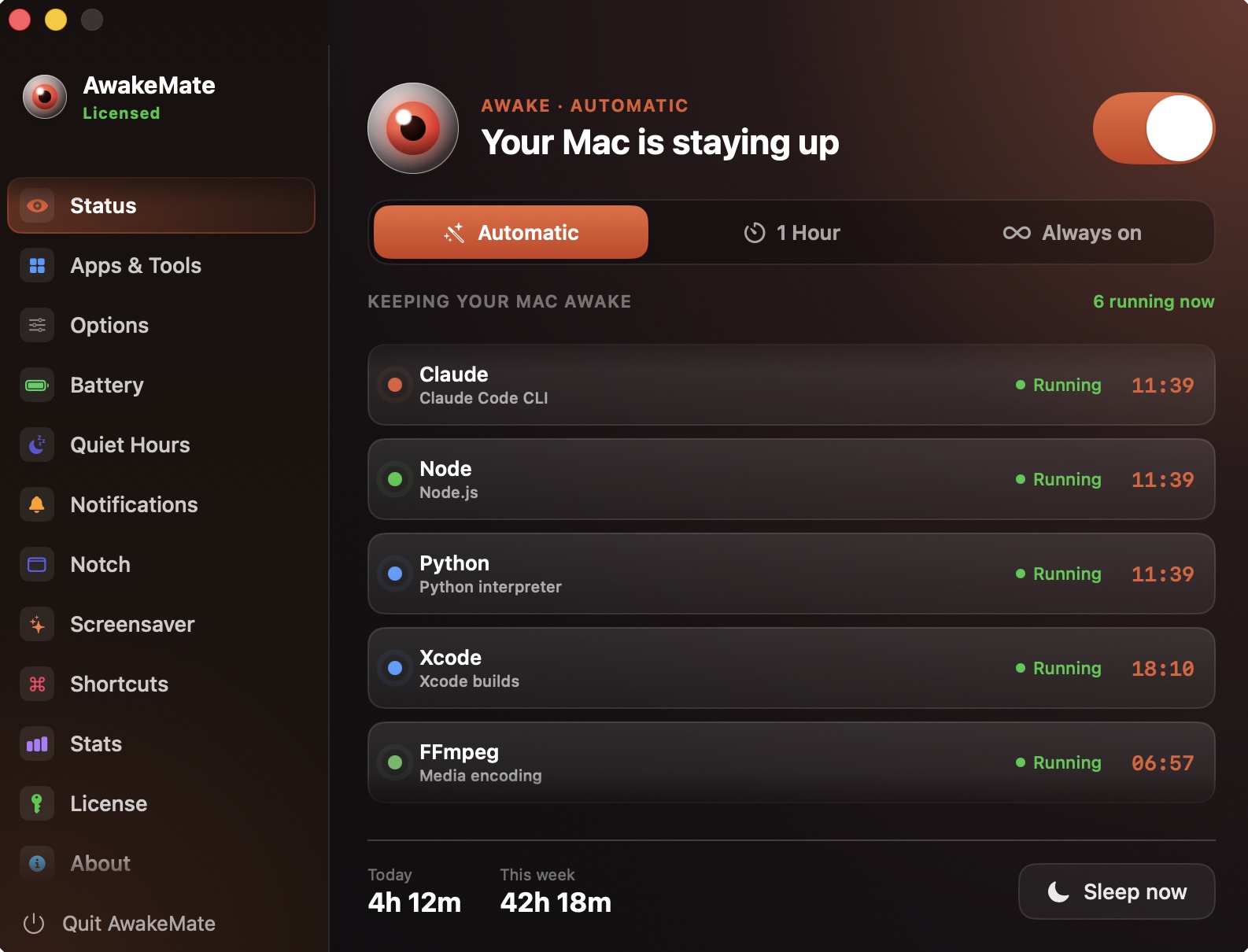
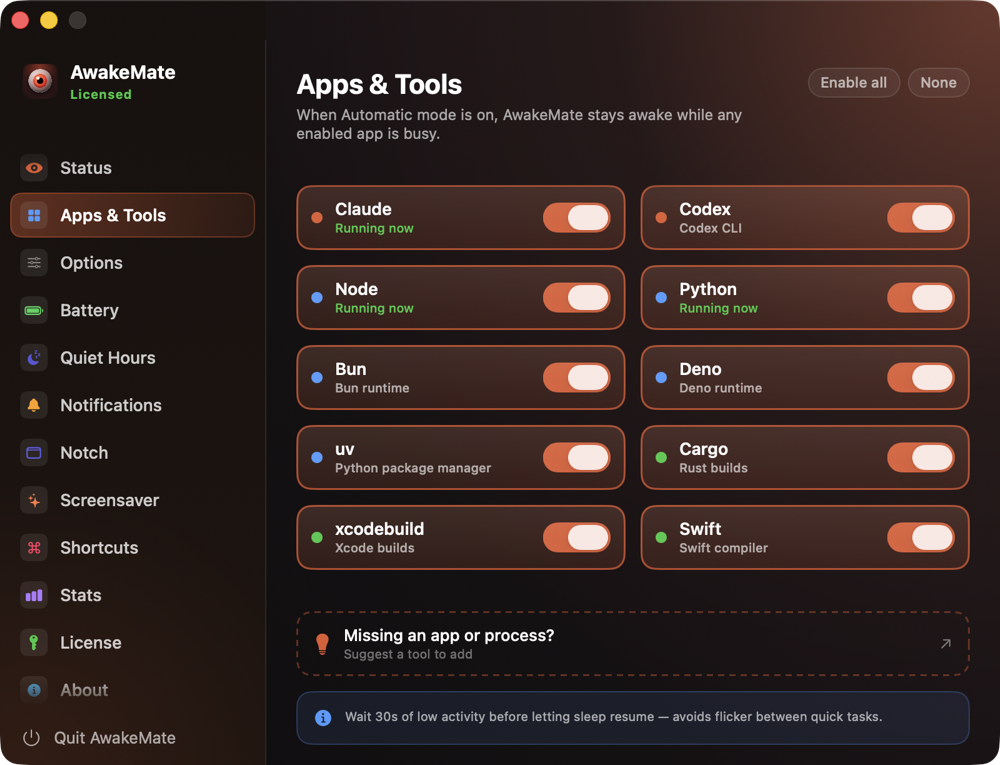
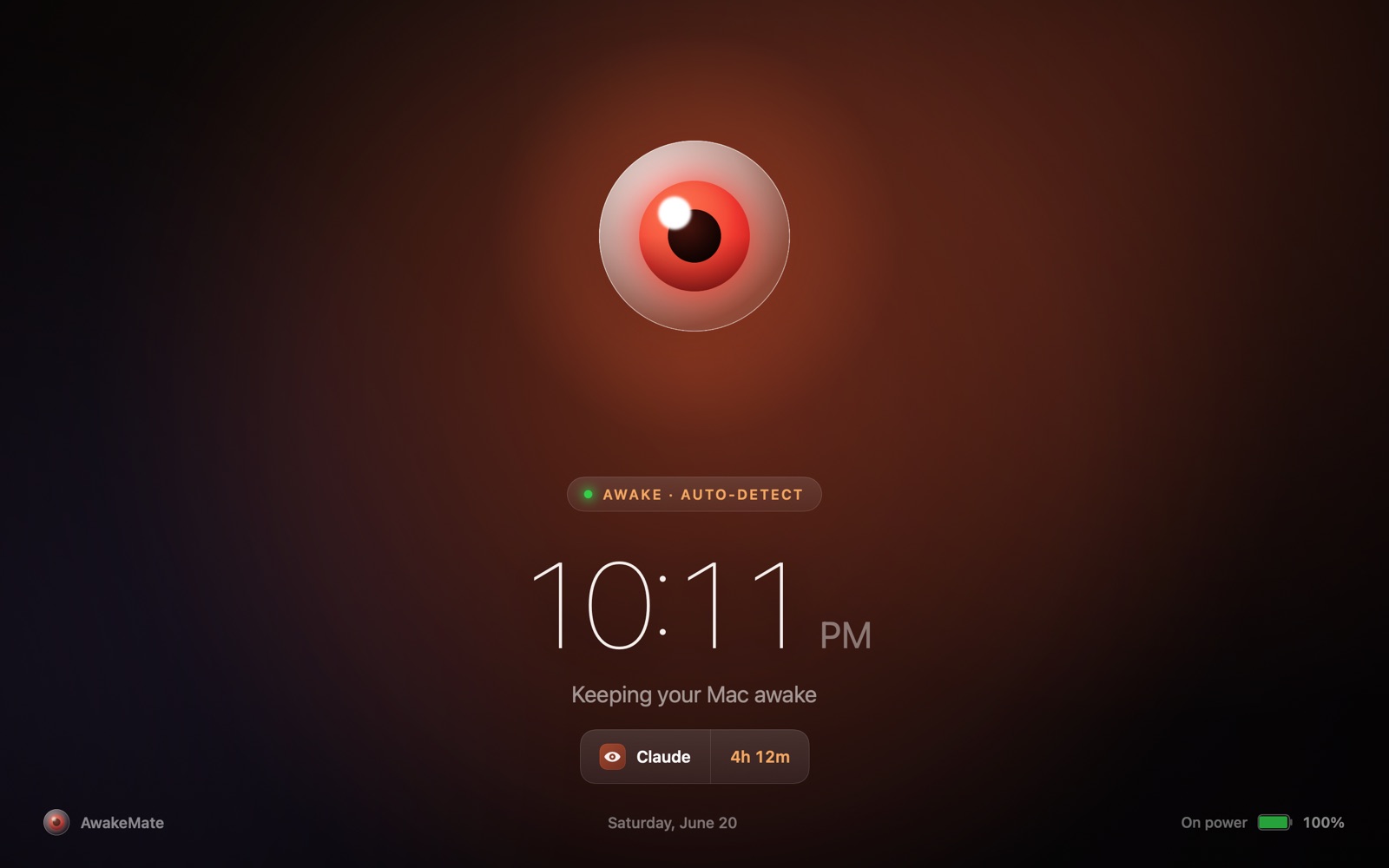
Detects when the apps you care about are running - AI agents, builds, downloads - and keeps the Mac awake only then. No Accessibility or Screen Recording prompts.
Manual & timed modes
Flip keep-awake on with one click, or set a timer. All modes are independent and additive.
Native notch widget
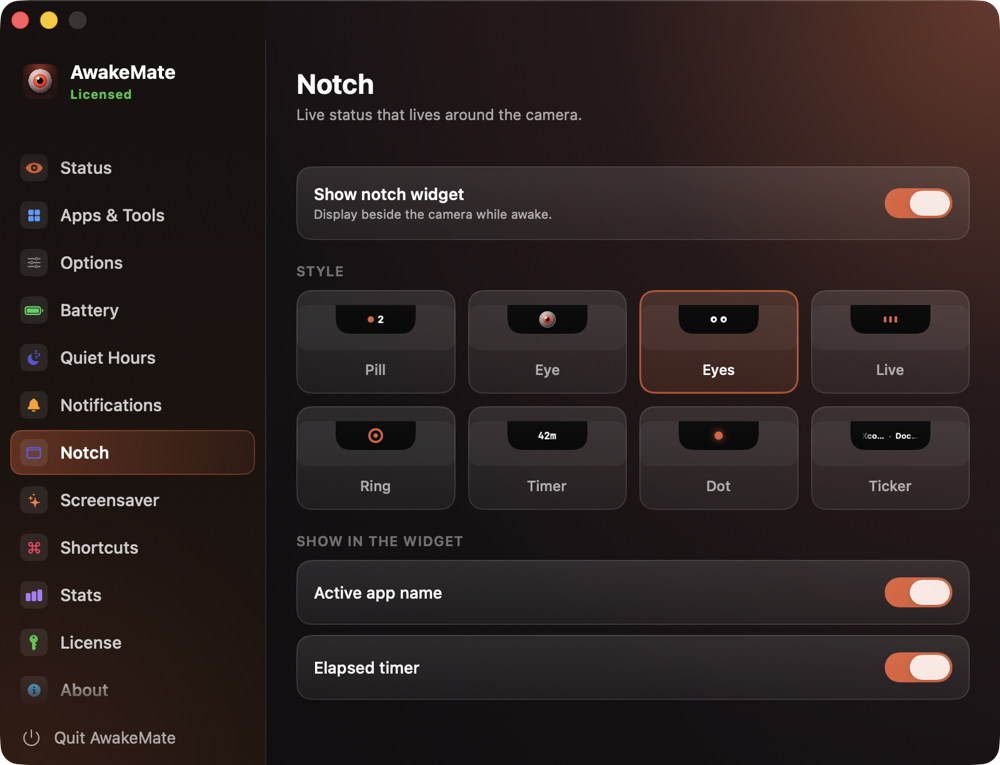
A glanceable notch surface with live status, stats, and toasts when settings change.
Quiet hours & battery care
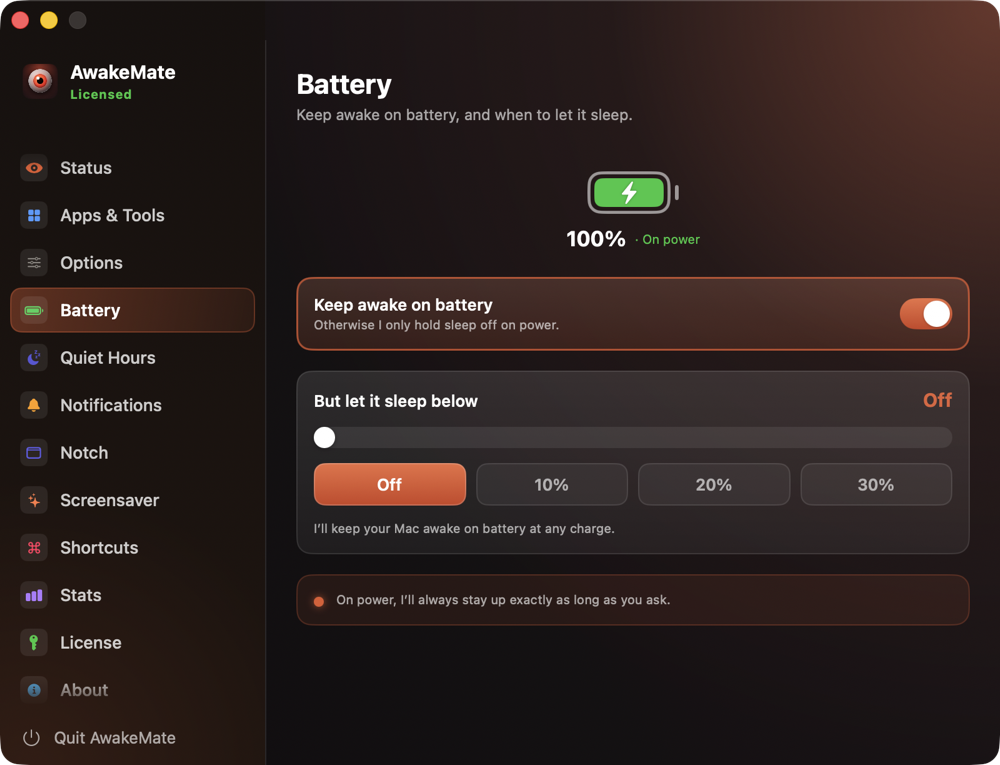
Scheduled quiet hours and low-battery protection force sleep when staying awake would hurt.
Stats & shortcuts
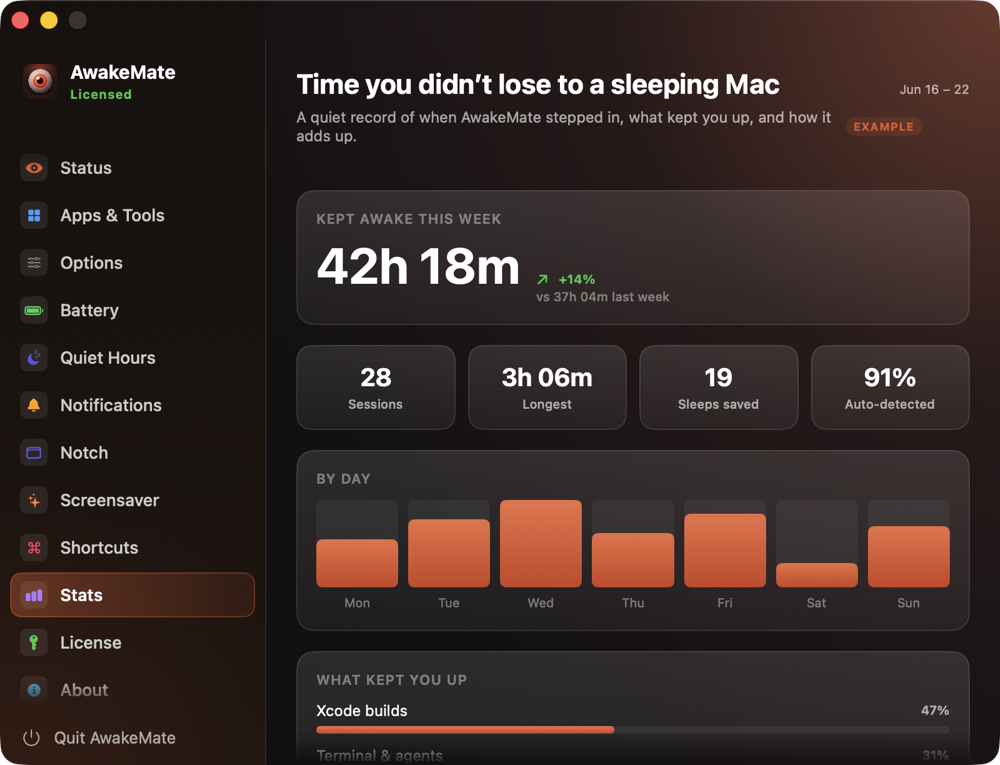
See how long your Mac stayed awake and what kept it up, and drive everything with global hotkeys.
Fair licensing
14-day free trial with everything unlocked, then a simple one-time license. No subscription.
About
AwakeMate is a native macOS menu-bar + notch utility built for people whose Macs do real work: long AI agent runs, builds, renders, uploads. Auto mode watches the apps and tools you pick and keeps the Mac awake exactly while they run - no special permissions, no scripts (the only thing it can ever ask for is optional Notifications) - while quiet hours and low-battery protection make sure it never stays awake when it shouldn't. Built entirely in Swift and SwiftUI, with a glanceable notch widget, stats, global hotkeys, and a one-time license after a fully unlocked 14-day trial.